01
Describe your idea
Every microdrama starts with a single line — a plot twist, a character, a mood, or just a vibe you want to capture. There's no script to write, no storyboard to sketch, and no prior filmmaking experience required.
Type your idea into the prompt box, or tag a recurring character, location, or prop with @handle so the AI keeps it consistent across every scene.
02
Answer the Style Selection Questionnaire
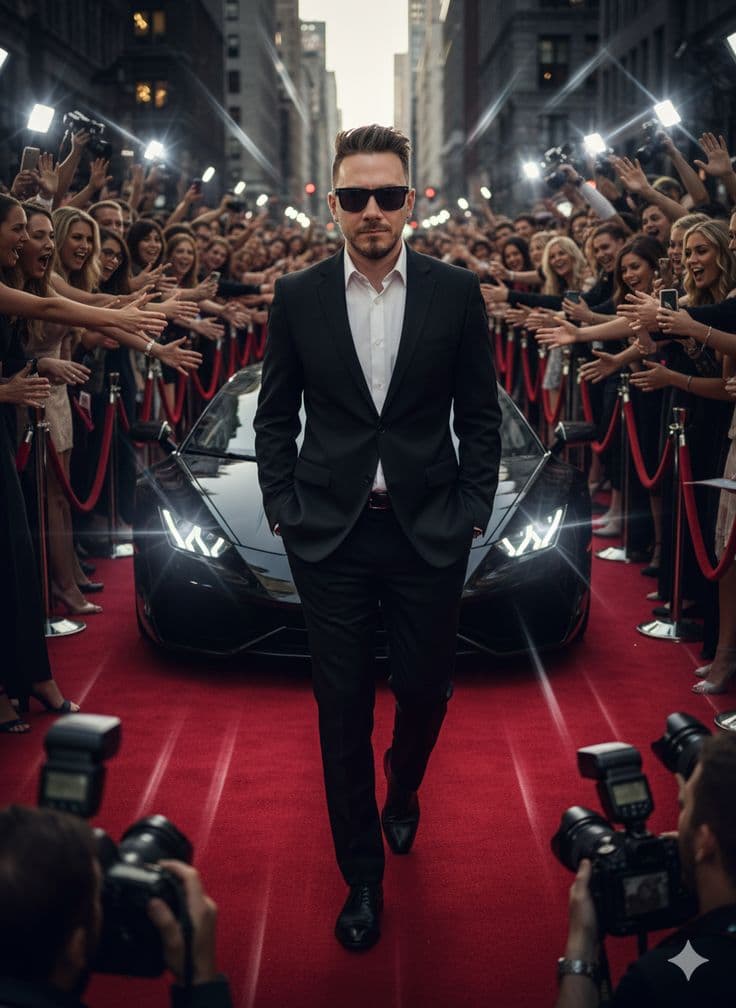
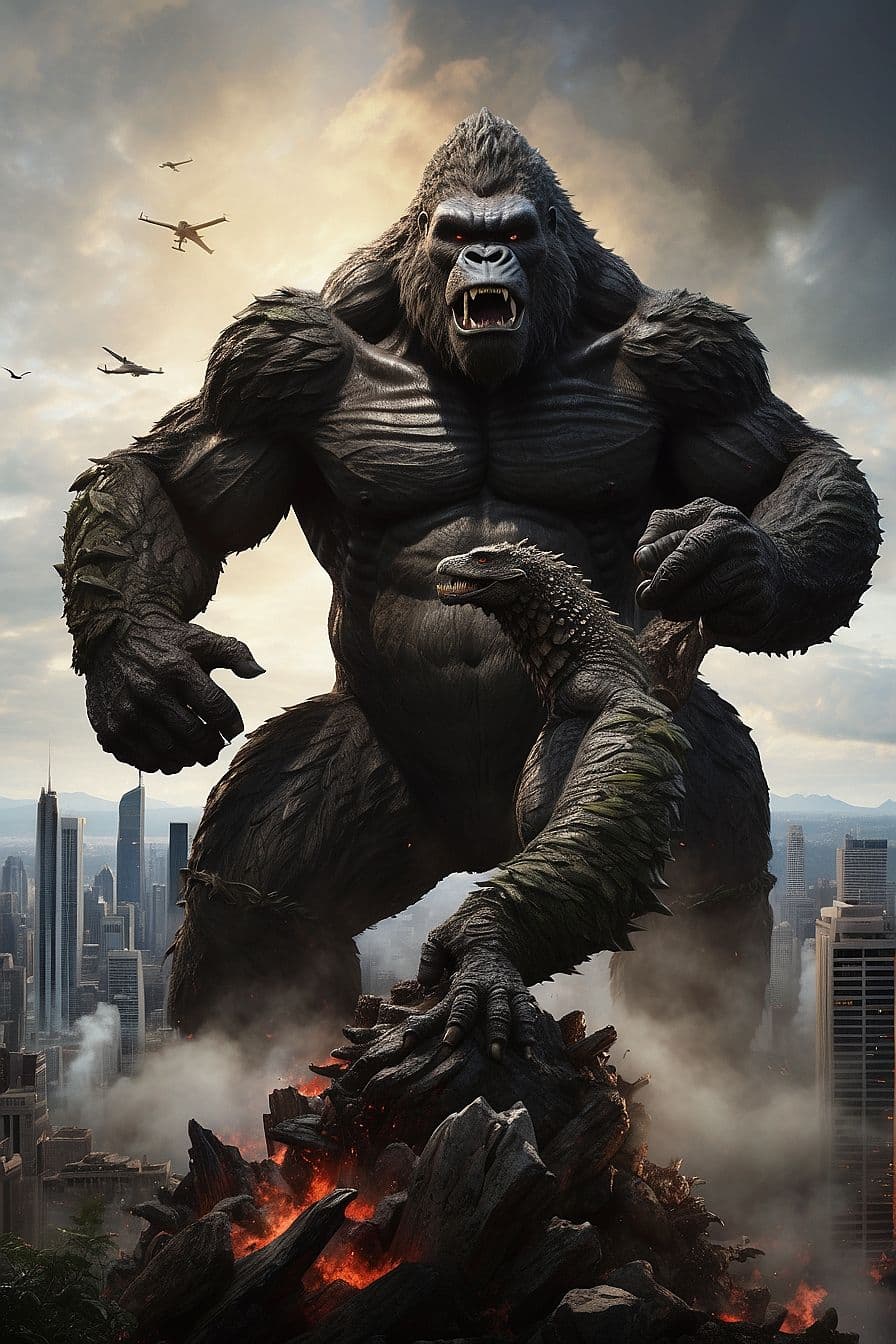
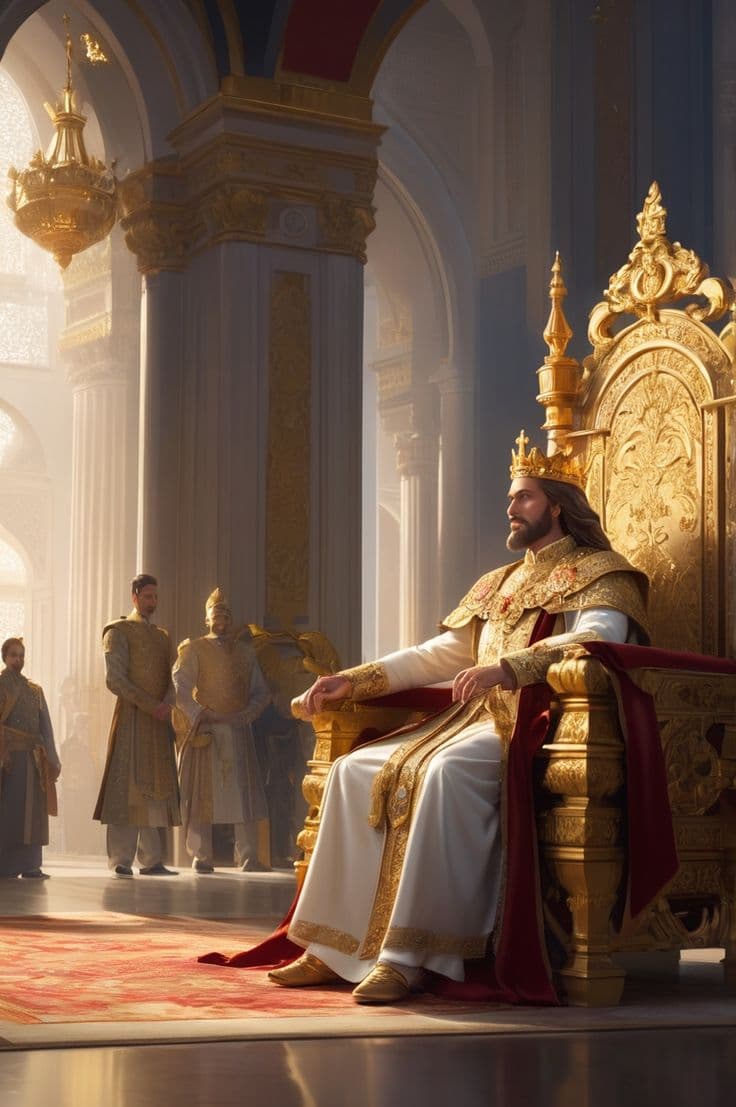
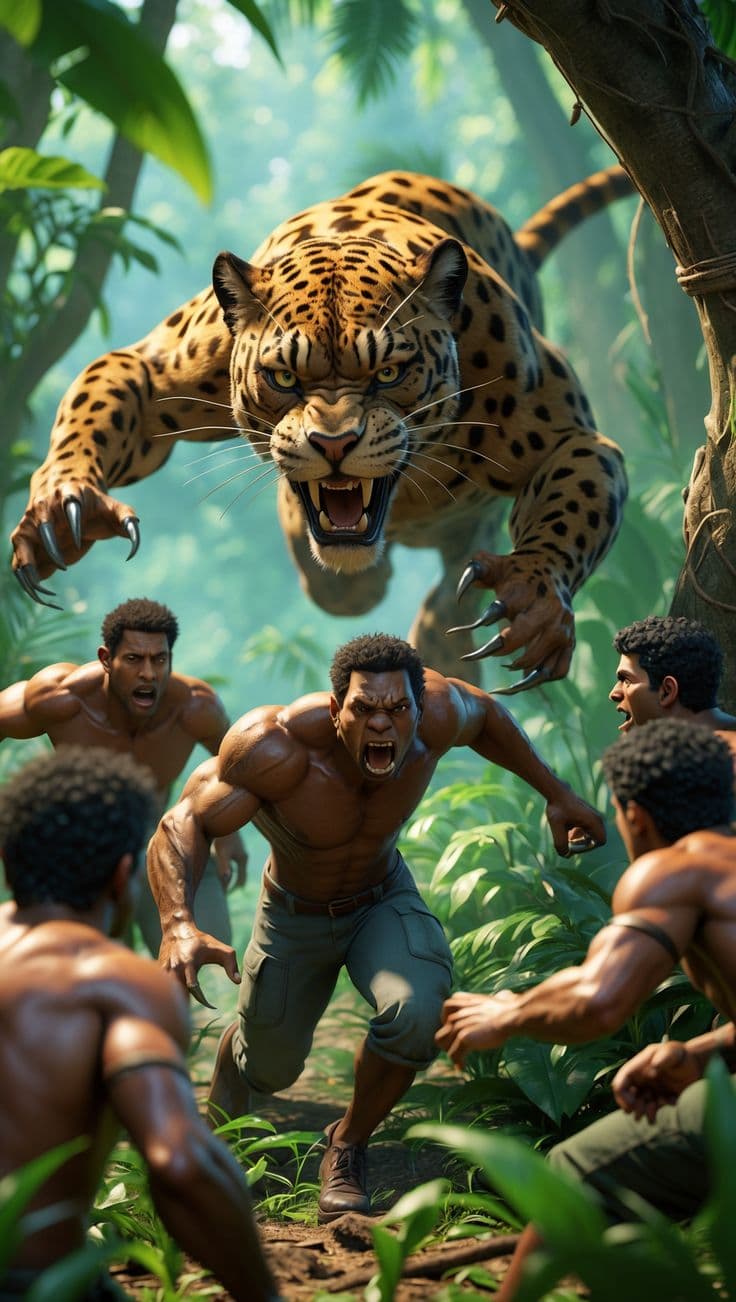
Pick the visual style your microdrama should be rendered in — Realistic, Studio Ghibli-inspired anime, 3D animation, Claymation, Lego, Pixel art, Wool-felt animation, Impressionist, or Post-Impressionist.
Then choose your output quality (480p or 720p) and runtime, anywhere from a quick 30-second clip up to a full 60-minute episode, so the finished video matches exactly what you need.
03
Choose Autopilot or Editable mode
In Autopilot, send your idea and the AI runs every step automatically — script, characters, scenes, and final video — with no further input needed from you.
In Editable mode, you're walked through each checkpoint of the pipeline instead — approving, rejecting, or requesting changes to the script, character designs, and scene images before anything renders.
04
AI generates the video
Once your style, quality, and script are locked in, the AI assembles everything into a finished microdrama — auto-editing scenes together with AI voiceover, subtitles, and a consistent visual style throughout.
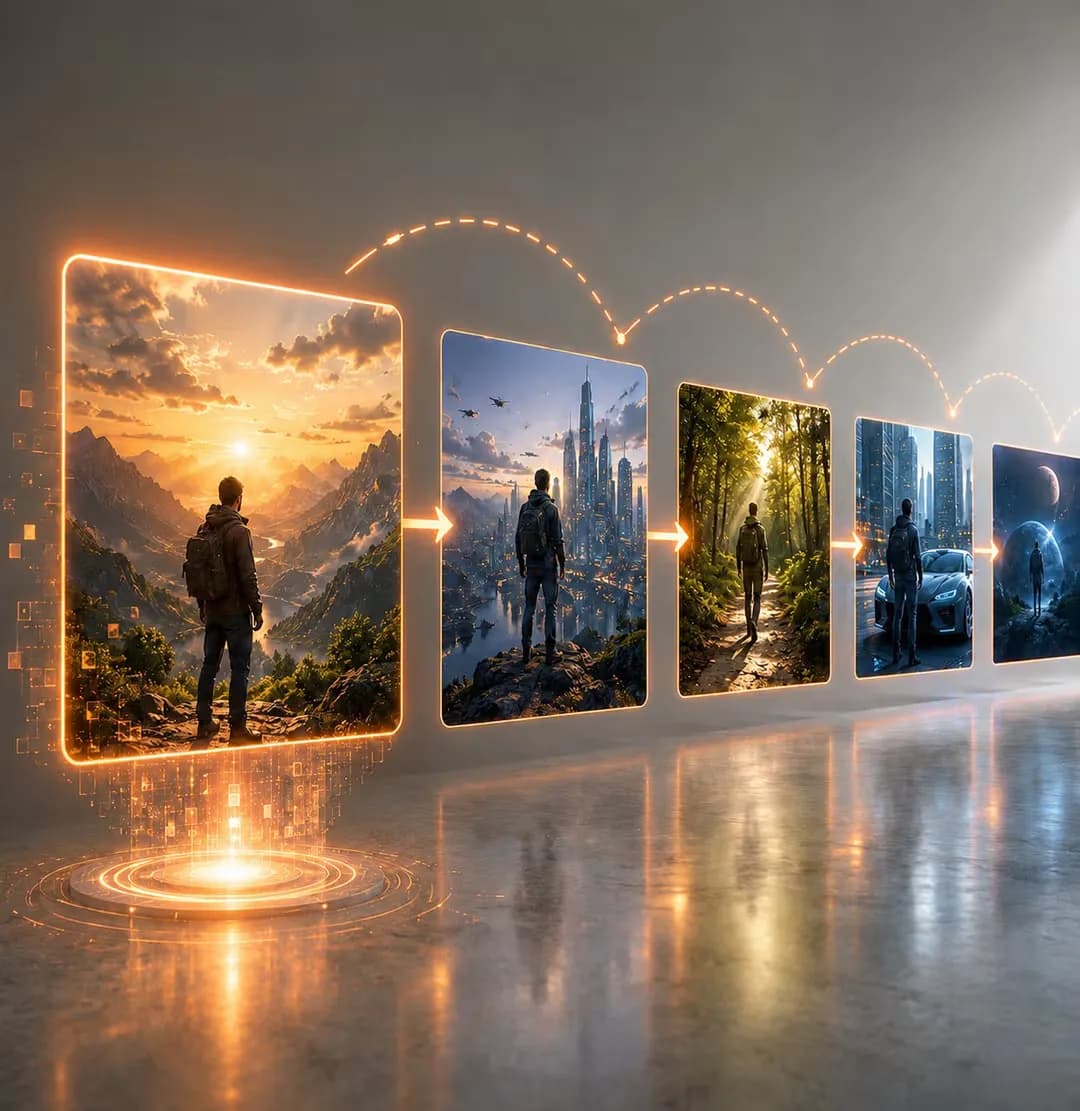
Character and location handles you tagged earlier stay visually consistent from the first scene to the last, even across a long-form episode.
05
Download and share
Your finished AI video is ready to export in minutes, delivered in the format that fits your platform, ready for TikTok, Instagram Reels, YouTube Shorts, or a full-length upload.
You own full rights to everything you generate, so you can publish, distribute, and monetize the finished microdrama however you like.